SQLEditor 3.6.2 - визуальный редактор для SQL
- Версия
- SQLEditor 3.6.2
- Разработчик
- Malcolmhardie
- Язык интерфейса
- Английский
- Активация
- K'ed by The Shark
- Совместимость
- OS X 10.9 и выше
Похожие программы





Скриншоты
Нажмите, чтобы увеличить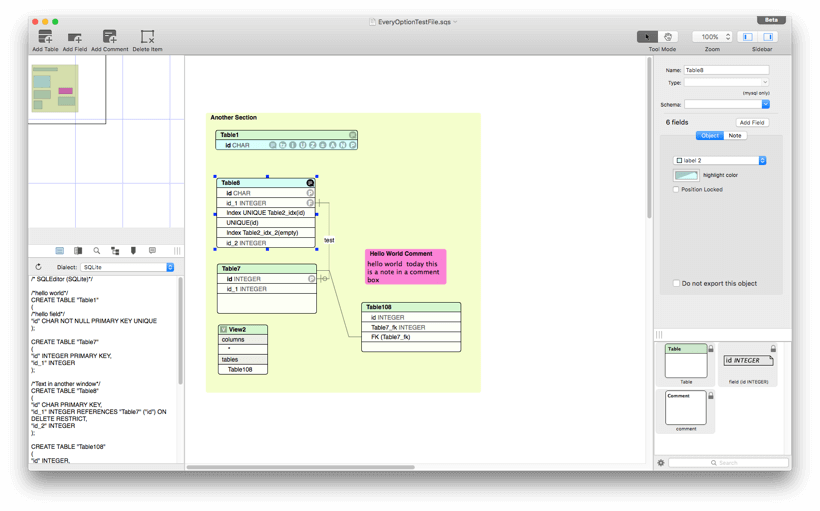
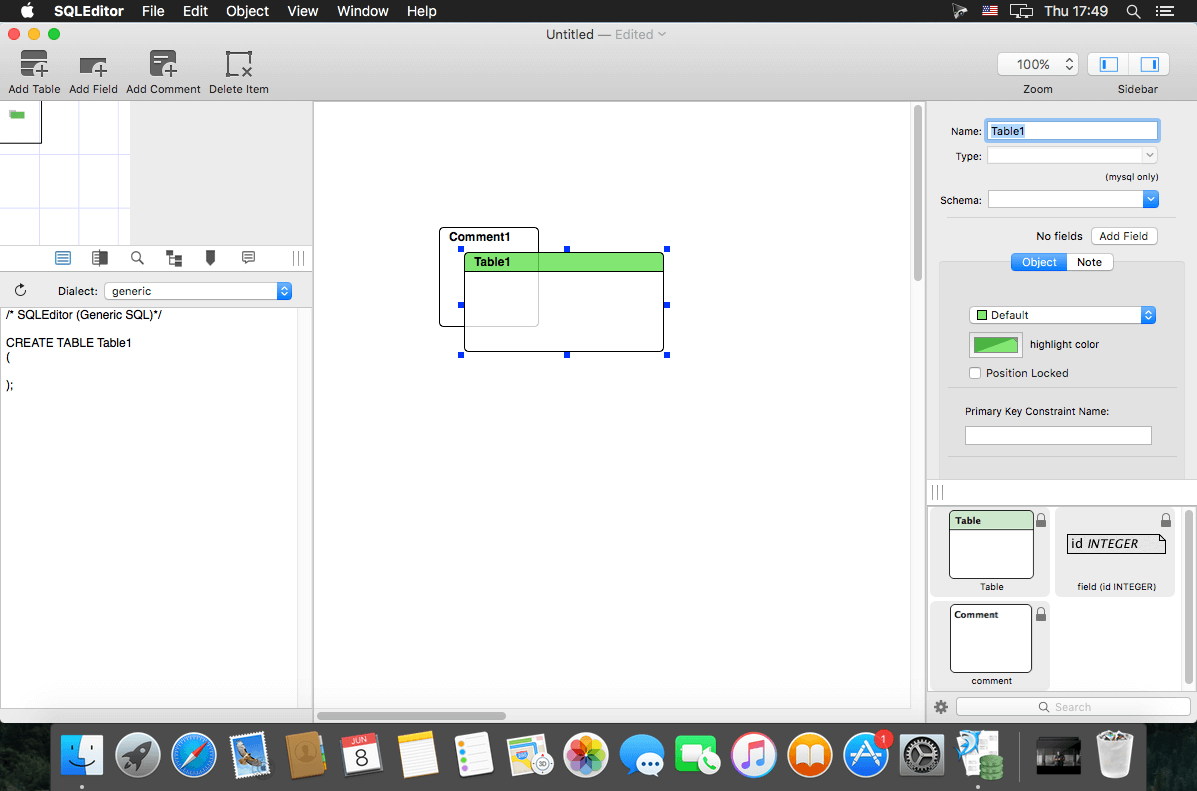
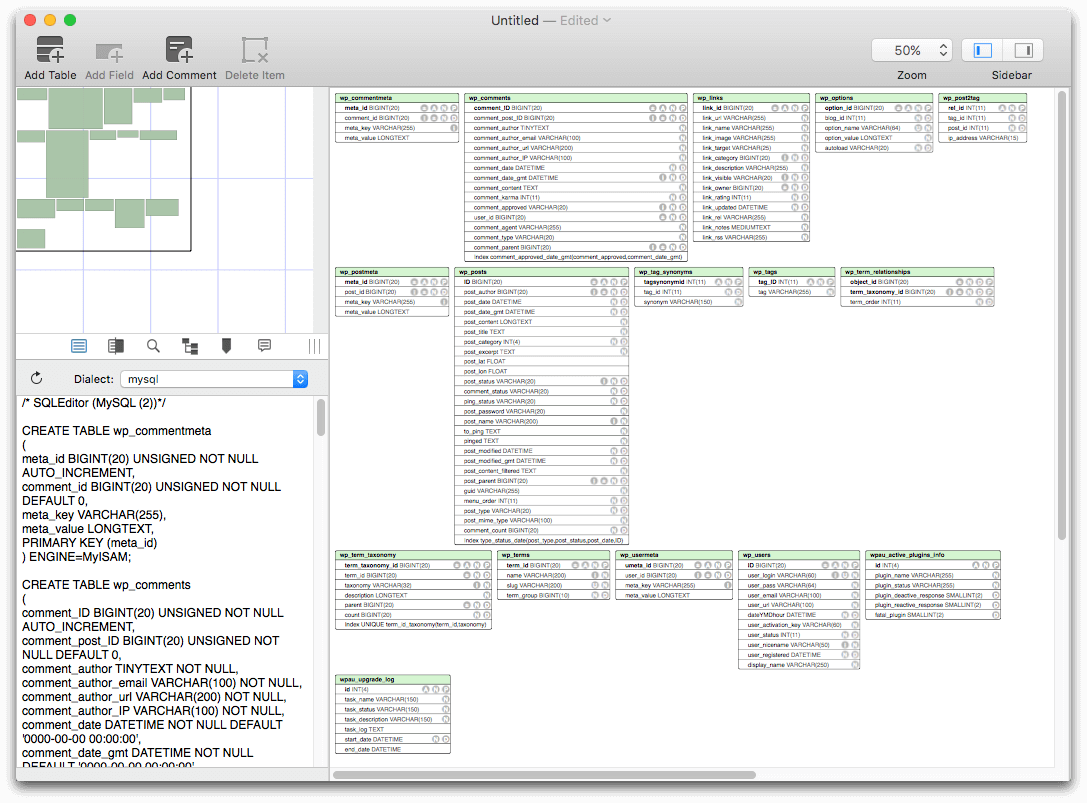
SQLEditor - визуальный инструмент для разработки SQL БД и связей объектов (ERD). Приложение полностью заменяет ручную запись SQL-комманд. Если у вас уже есть созданные базы данных, то SQLEditor может помочь вам визуализировать картину всей БД, со всеми межтабличными связями. Приложение поддерживает экспорт дизайна баз данных для MySQL, Postgres, Oracle и других БД.
Version 3.6.2:
Minimum required Mac OS is now 10.10
New Features
Minimum required Mac OS is now 10.10
New Features
- This release supports Mac OS Catalina / 10.15
- New object visibility menus in toolbar and view menu - show and hide objects by type
- New Help system, should work the same as AppleHelp and contain the same content as before
- New option for comments without visible titlebars
- New command to show only fields that are primary keys in tables
- Now bundles and uses Amazon Corretto Java 11
- New system to save django properties when used
- New preferences panel to edit the saved django properties list
- Updated feedback reporter to newer release from upstream
- Hardened runtime enabled
- First notarized version
- Removed obsolete Java 6 support
- Updated drag and drop code
- Fixes for foreign keys where fields are hidden (the line retargets the table header)
- Fix for left sidebar icon drawing on 10.12,10.13
- Fix for potential issue where invalid django properties could render a file unreadable by SQLEditor
- Updated some old code that still used old style alert panel methods
- Removed final parts of Java 6 installation code
- Fix for bug where “Show All Objects” would not show table components that had been hidden
- Fix for incorrect checkmarks in visibility toolbar item menu
- Fix for bug in feedback reporter where tab view labels would disappear
- Feedback reporter now displays the log data in the console tab instead of the script tag
- Warnings about ASL access in feedback system have baeen fixed
- Fixes for some memory management issues
- Fixed some web links that were using http instead of https
- Fixes for new help system search on 10.10 and 10.11
Комментарии
Комментариев пока нет. Будьте первым
Комментарии оставляют зарегистрированные пользователи.