QLab Pro 4.7
- Версия
- QLab Pro 4.7
- Разработчик
- Figure 53, LLC
- Язык интерфейса
- Английский
- Активация
- K'ed by HCiSO
- Совместимость
- macOS 10.10 и новее
Похожие программы


Скриншоты
Нажмите, чтобы увеличить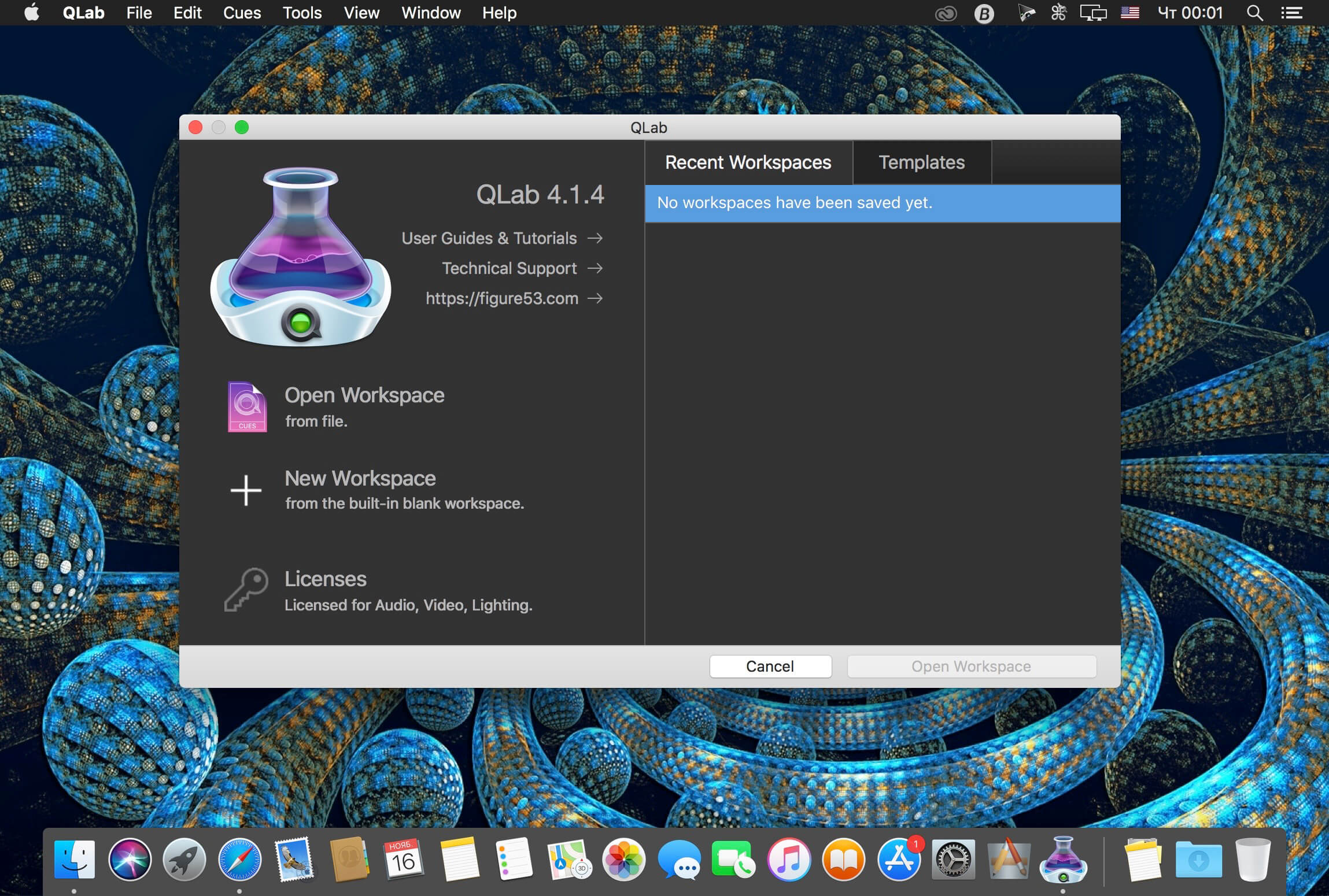
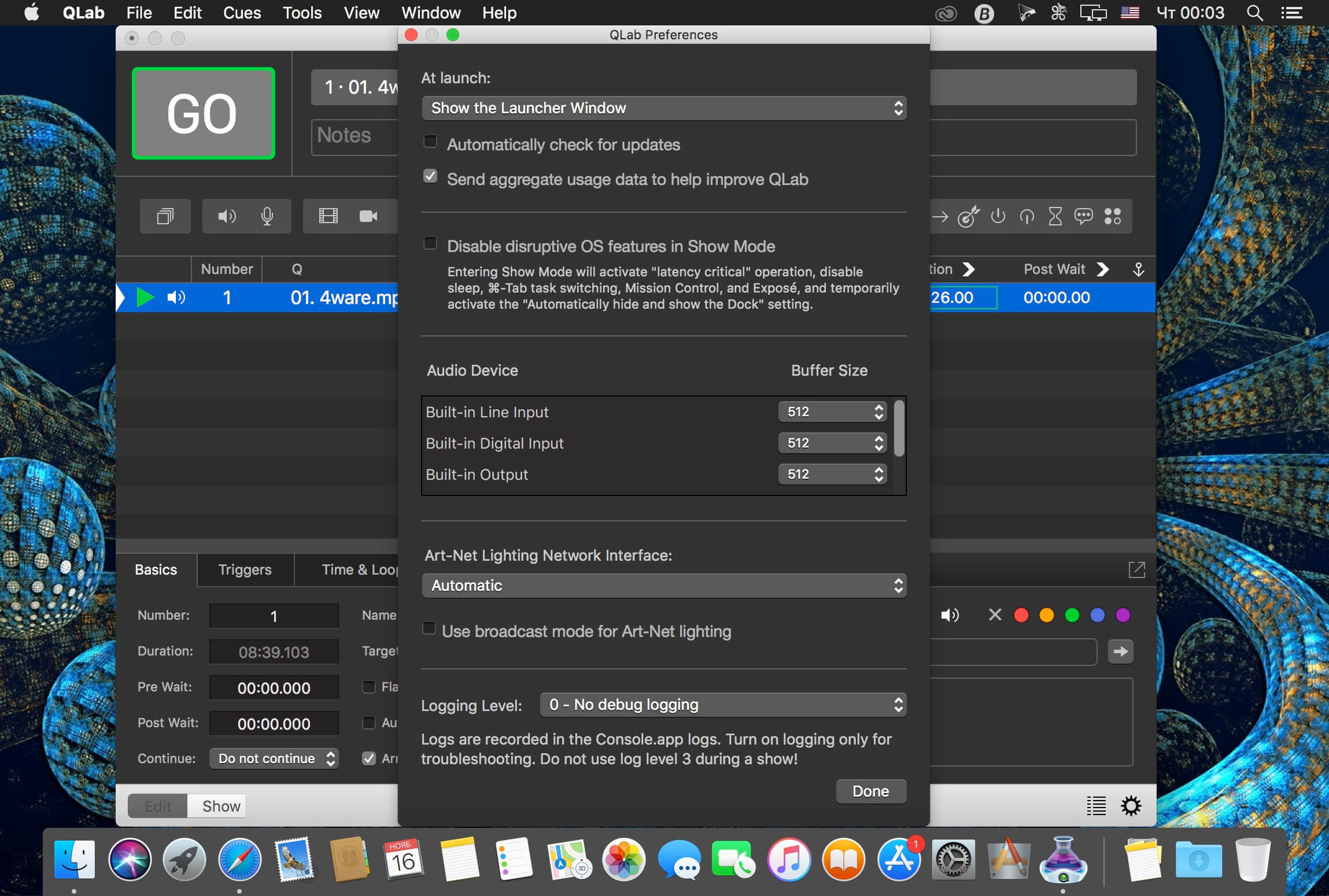
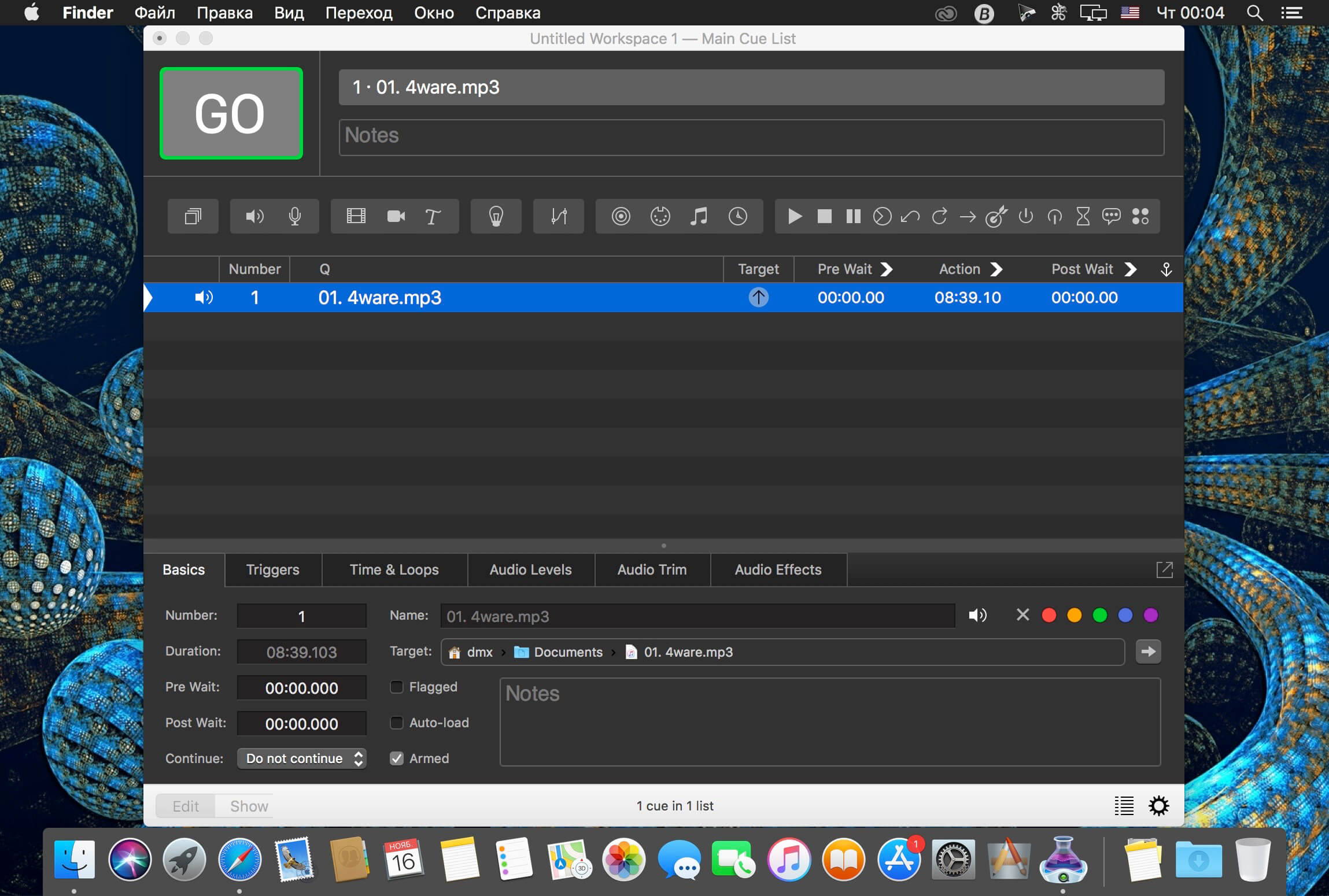
QLab позволяет легко создавать богатые мультимедийные проекты для живых перформансов и инсталляций. От Бродвея до Вест-Энда, в церквях, музеях, витринах магазинов, концертных залов, театров и во всем мире, люди используют QLab привести свои аудио и видео записи.
Using building blocks called "cues", you can create sophisticated designs in seconds. Getting started is as simple as dragging in a file and pressing "GO". From there, add commands to fade volume, animate videos, or add audio and video effects.
Once you master the basics, become a power user with advanced features like scripting, video corner pinning, multi-projector edge blending, audio localization, or even building multi-computer designs by sending commands to other QLab machines on your local network.
QLab comes in a variety of editions depending on your needs and can also be rented. Click here for pricing details.
Additionally, users of version 2 can purchase version 3 at a discounted price.
Audio Highlights:
- 48 channels of audio output
- 24 channels of audio input (file or microphone)
- Non-destructive audio waveform editing
- Adjustable playback rate with optional pitch adjustment
- Matrix mixer for every cue and audio device
- Apply audio effects to individual cues, across all cue outputs, or device outputs
- Custom fade curves
- Fade effect parameters for dynamic audio effects
- Unlimited slices per file, and import markers as slices
- Dead-easy vamping and musical transitions
Video Highlights:
- Slice and loop videos seamlessly
- Fade and animate videos
- Adjustable playback rate
- Preview cues with the audition window
- Many built-in video effects, or bring your own
- Overlay titles
- Live video input, including many Blackmagic devices
- Video surfaces help you focus on your design, instead of your projectors
- Syphon integration (input and output)
- Multi-projector edge blending
- Keystone correction & corner pinning
Version 4.7:
Added:
- Support for upcoming licensing options.
Fixed
- Adds a workaround to re-connect to video displays in certain cases where macOS helpfully loses track of them.
- Improved support for activating licenses on some SanDisk USB drives.
- A bug that prevented QLab from broadcasting Art-Net under certain conditions, such as when clicking on a menu bar and leaving it open.
- Adds checks to ensure file or cue targets set using AppleScript or OSC commands are valid for the cue being updated.
- Miscellaneous other small bugs.
Комментарии: 2
Комментарии оставляют зарегистрированные пользователи.